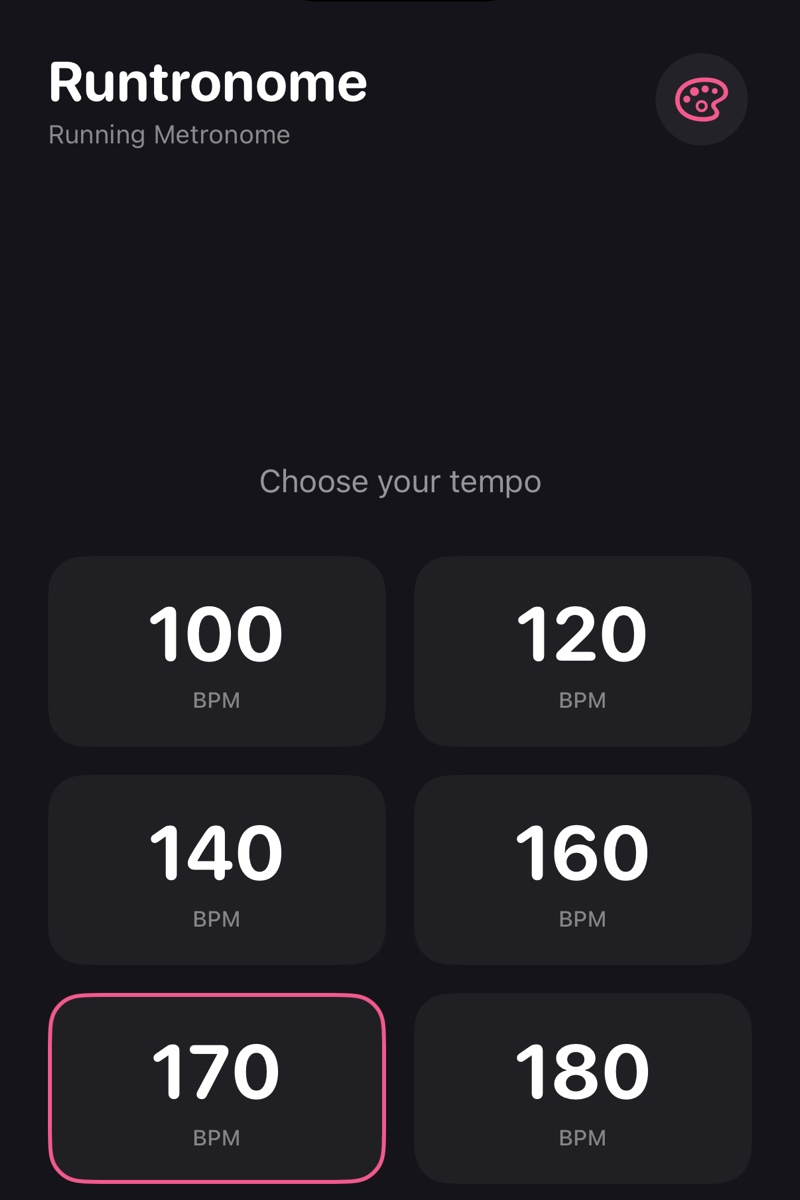
1 · Pick
Tap a tempo and go
Choose one of six tempos from 100 to 180. It counts 3·2·1 and the beat begins. Your last tempo is remembered.
Runtronome is a metronome for running. Tap a tempo and the beat starts after 3·2·1, playing over the music you’re already listening to.
Coming soonChoose one of six tempos from 100 to 180. It counts 3·2·1 and the beat begins. Your last tempo is remembered.
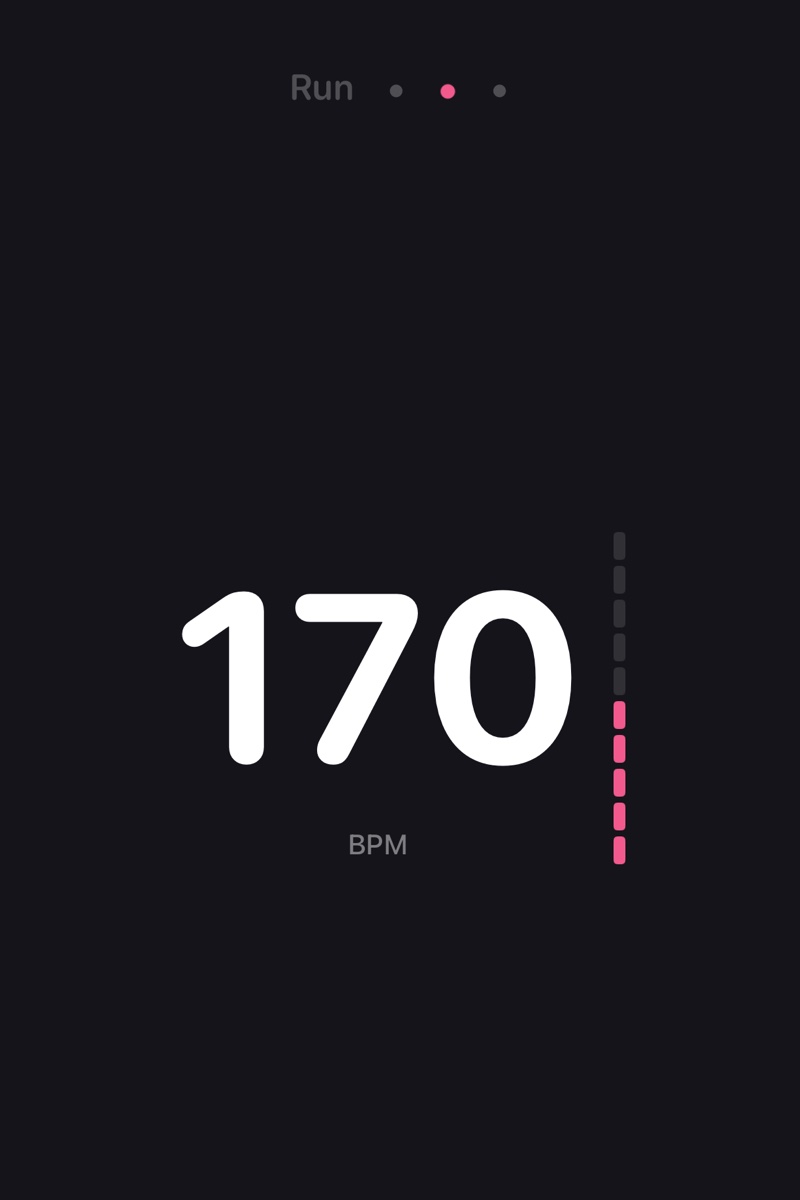
Swipe left or right to change by 1 BPM, up or down for volume. Anywhere from 100 to 200 BPM. On Apple Watch, turn the Digital Crown.
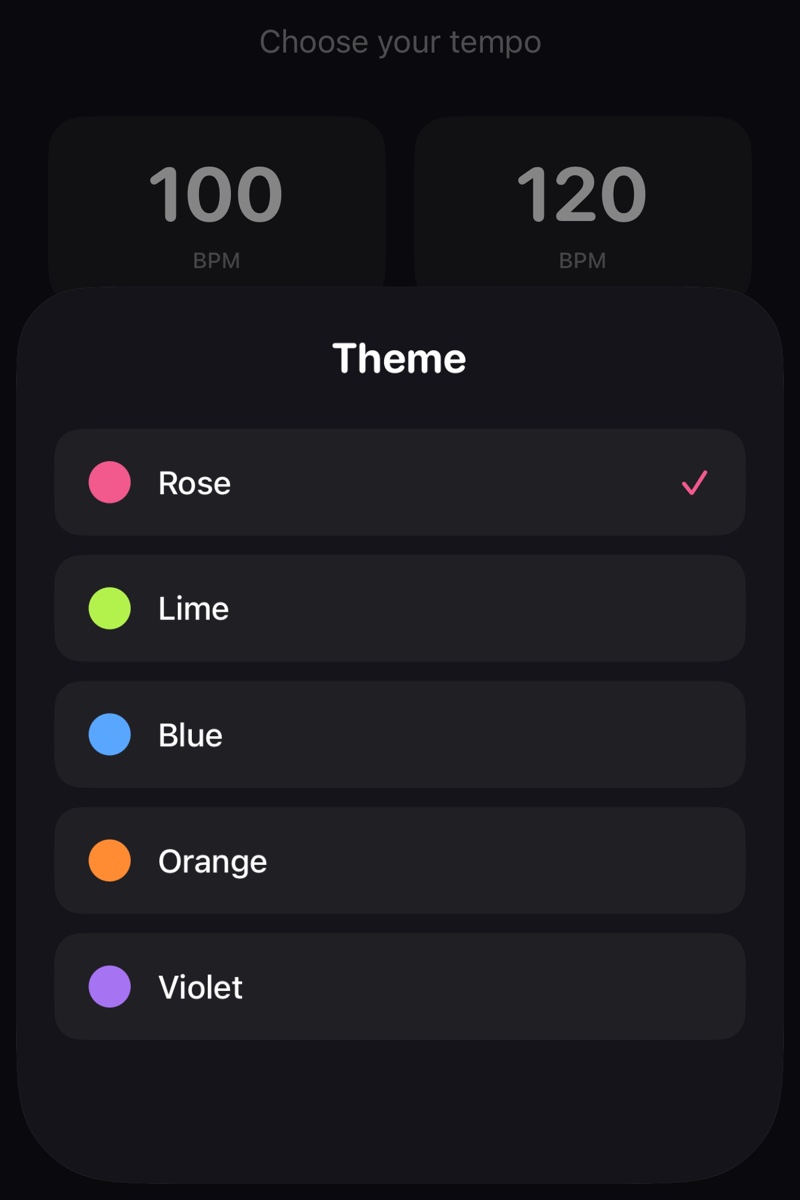
Five themes, each with a different click. Pick the one that cuts through your music.
No distance, no pace, no location. It only keeps the beat.
Not location, motion, health, notifications, or the microphone. There’s nothing to allow.
No account, no server, no ads. It doesn’t use the internet. Privacy Policy